If you run a WordPress website today, you are already serving a global audience, whether you planned for it or not.
Visitors are coming from different countries, regions, and networks. They have different expectations, different legal requirements, and different buying behaviors. Yet most websites still deliver the same experience to everyone.
That disconnect is where problems begin.
WordPress geolocation is not just a technical feature. It is a core part of how modern websites communicate, convert, and build trust.
What Is WordPress Geolocation and Why It Matters
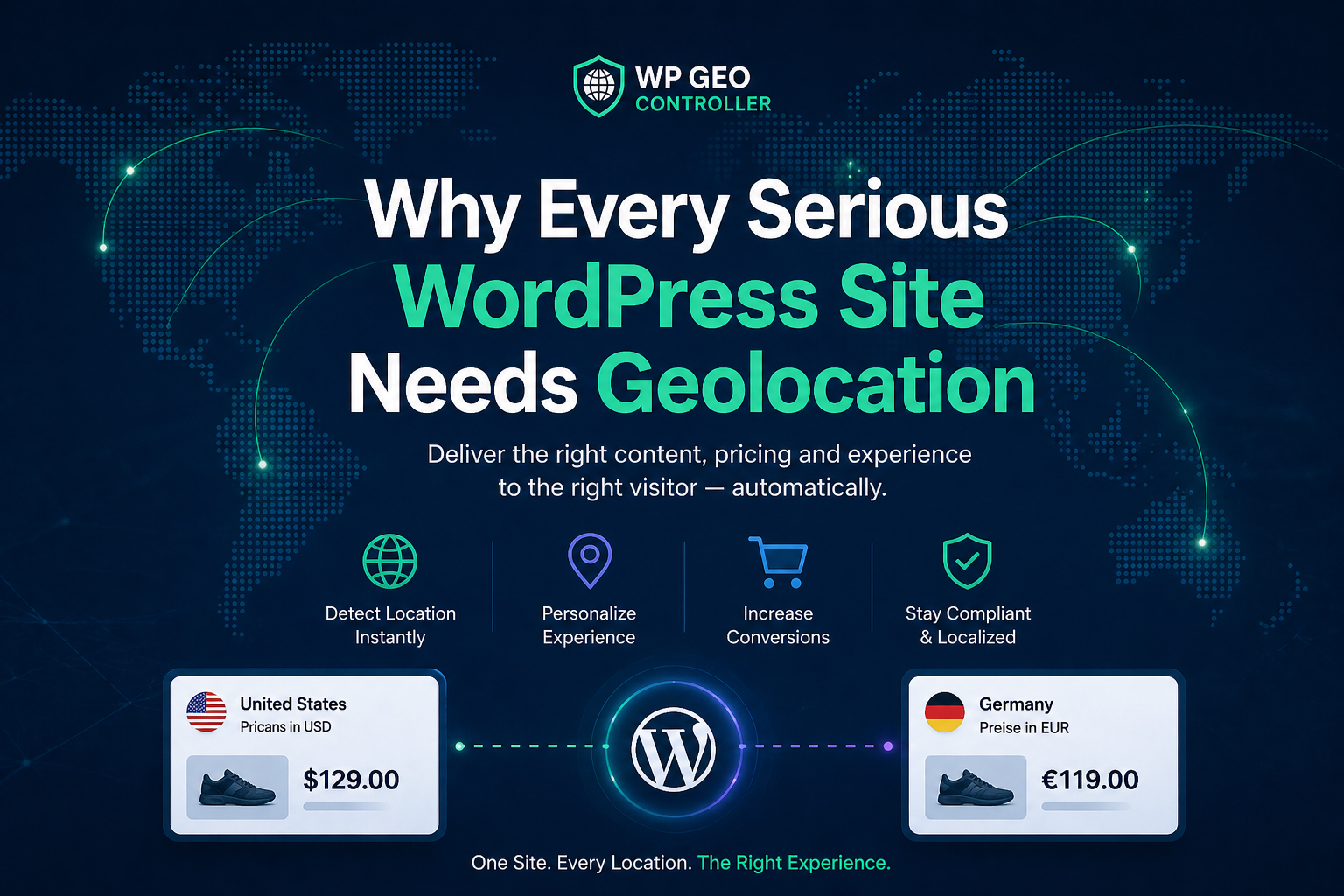
WordPress geolocation refers to identifying a visitor’s location, usually based on their IP address, and adapting the website experience accordingly.
This includes:
- displaying the correct currency
- showing region-specific content
- applying legal requirements like GDPR
- adjusting checkout and payment methods
- controlling access or redirects
Without geolocation, your site treats every user the same. With it, your site becomes context-aware.
That difference directly impacts user experience and conversion rates.
The Real Problem: Generic Websites in a Global Market
Most WordPress sites are still built with a “one-size-fits-all” mindset.
One currency. One content structure. One flow.
At a glance, everything works.
But from the user’s perspective, small inconsistencies start to appear:
A visitor from Germany sees prices in USD.
A user from the UK does not get region-relevant checkout options.
A European visitor does not see proper compliance messaging.
None of these issues break the site.
But they reduce trust.
And when trust drops, conversions follow.
How Geolocation Improves SEO and User Experience
WordPress geolocation plays a critical role in both SEO and UX.
Search engines increasingly evaluate user experience signals. If users leave quickly or fail to interact, rankings suffer.
By using geolocation correctly, you can:
- reduce bounce rate by showing relevant content
- increase time on site with localized experience
- improve conversion rates with accurate pricing
- align content with user intent by region
Localized content is not just better for users. It is better for search engines.
Common Mistakes in WordPress Geolocation
Many site owners attempt to implement geolocation but run into issues that make things worse instead of better.
Slow IP Lookup
Relying on external APIs without caching leads to performance issues.
This increases TTFB and negatively affects Core Web Vitals.
Inconsistent Data
Poor IP databases or lack of caching can result in incorrect location detection.
This leads to wrong pricing, wrong content, and confusion.
SEO-Damaging Redirects
Automatic redirects based on location can cause indexing issues if not handled properly.
Search engines may interpret this as cloaking or duplicate content.
Lack of Integration
Many plugins detect location but do not integrate with WordPress logic, WooCommerce, or custom workflows.
This limits their usefulness in real-world applications.
What Proper WordPress Geolocation Looks Like
Effective geolocation is not just about detecting location. It is about using that data consistently across the system.
A proper implementation includes:
- fast and cached IP lookup
- consistent results across requests
- access to data in PHP, JavaScript, and templates
- controlled and SEO-safe redirects
- integration with WooCommerce and content logic
When these elements work together, the site becomes adaptive instead of static.
WordPress Geolocation for WooCommerce
For WooCommerce stores, geolocation is even more critical.
It directly affects:
- currency display
- tax calculation
- shipping availability
- payment methods
- product visibility
A mismatch in any of these areas can result in abandoned carts.
With proper geolocation, the store feels native to the user’s region, which increases trust and conversions.
Performance and Caching: The Missing Piece
One of the biggest challenges in WordPress geolocation is performance.
Every lookup request can slow down your site if not handled correctly.
That is why caching is essential.
A well-designed system:
- stores lookup results
- minimizes external API calls
- ensures consistent behavior
- keeps performance stable under load
Without caching, geolocation becomes a bottleneck.
With caching, it becomes invisible.
Why WP Geo Controller Is Built Differently
WP Geo Controller is designed to solve geolocation at the system level, not just as a feature.
Instead of focusing only on IP detection, it focuses on how geolocation data is used across WordPress.
This includes:
- optimized lookup with caching
- reliable and consistent results
- integration with PHP, JavaScript, and shortcodes
- compatibility with WooCommerce
- SEO-safe redirection logic
The goal is not just to detect where a user is.
The goal is to make that information usable.
When Do You Need WordPress Geolocation
Not every website requires advanced geolocation.
But if your site includes:
- international traffic
- WooCommerce or eCommerce functionality
- multiple currencies
- region-based content
- legal compliance requirements
- marketing campaigns by location
then geolocation is no longer optional.
It becomes part of your infrastructure.
Final Thoughts: Geolocation Is Already Your Problem
If your website has visitors from different regions, then geolocation is already affecting your results.
Ignoring it does not simplify your system.
It just means you are not controlling it.
WordPress geolocation, when implemented correctly, removes friction, improves user experience, and increases conversions.
WP Geo Controller exists to make that process reliable, fast, and usable in real-world environments.
And once it is implemented properly, it stops being noticeable.
Which is exactly how it should be.