If your WordPress website serves customers in multiple countries, showing the same phone number to every visitor may not be the best option.
A visitor from the United States may need your US sales number, while someone from the United Kingdom should see your UK office or support line.
Instead of listing every available number on the page, you can use WordPress geolocation to automatically show the right phone number based on the visitor’s country.
Why Show Different Phone Numbers by Country?
International businesses often have separate phone numbers for different markets, offices, sales teams, or customer support departments.
Showing a local or regional number can make it easier for visitors to contact the correct team without searching through a long list of international numbers.
This is a simple example of location-based content – the page remains the same, but a small part of its content changes according to the visitor’s location.
How to Display a Phone Number Based on Country
Geo Controller can detect a visitor’s approximate location and conditionally display WordPress content for specific countries, regions, or cities.
Using the [cfgeo] shortcode, you can create different phone links for each market:
[cfgeo include="United States"]
<a href="tel:+12125550100">Call us: +1 212 555 0100</a>
[/cfgeo]

[cfgeo include="United Kingdom"]
<a href="tel:+442055550100">Call us: +44 20 5555 0100</a>
[/cfgeo]

[cfgeo include="Germany"]
<a href="tel:+49305550100">Call us: +49 30 5550 100</a>
[/cfgeo]
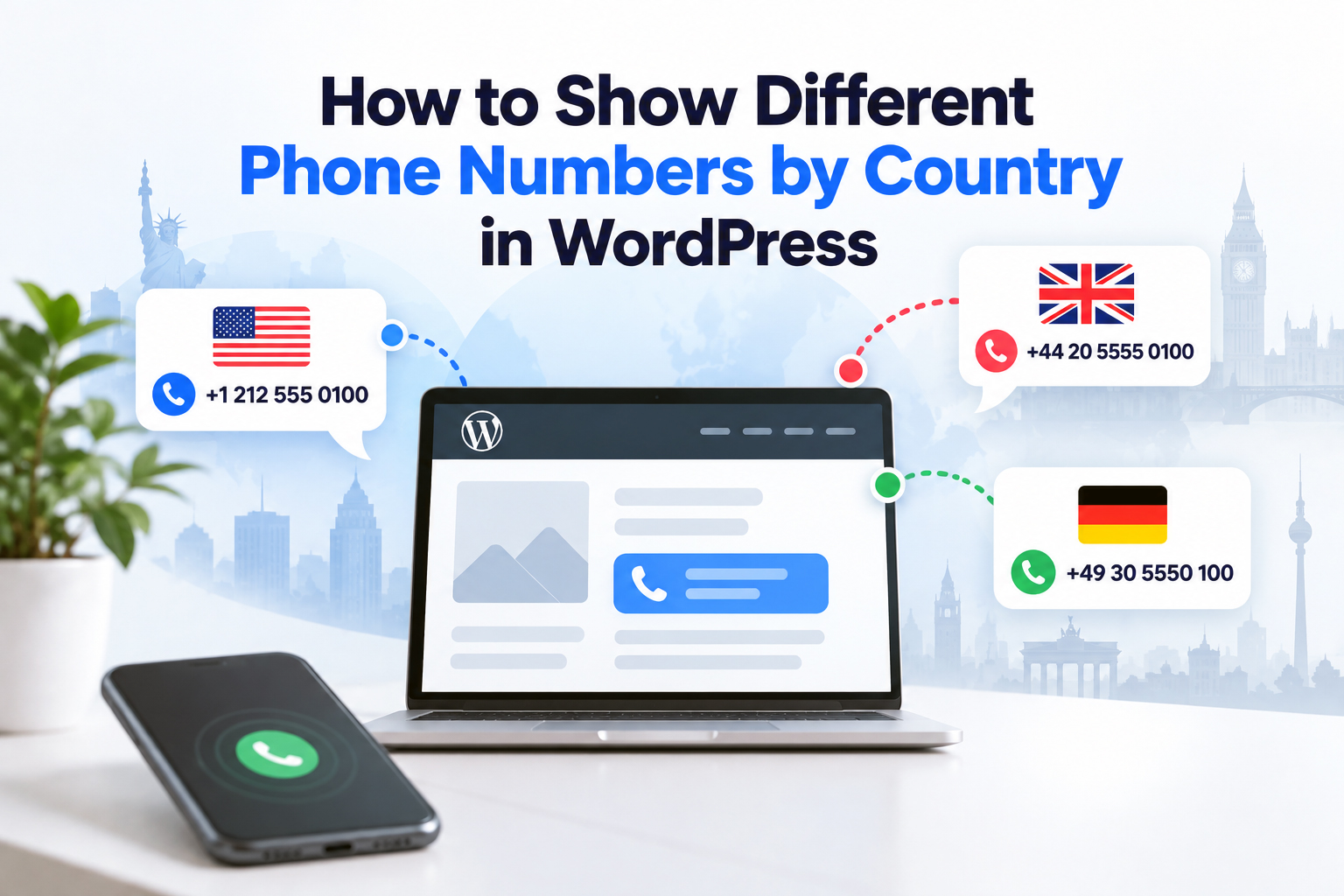
A visitor from the United States sees the US number, a visitor from the United Kingdom sees the UK number, and a visitor from Germany sees the German number.
The same technique can be used inside pages, posts, widgets, landing pages, and other WordPress areas that process shortcodes.
Add a Default Phone Number
You should also provide a fallback number for visitors outside your targeted countries.
Geo Controller supports a default value, so you can keep the setup compact:
[cfgeo include="United States" default="<a href='tel:+441234567890'>Call our international office</a>"]
<a href="tel:+12125550100">Call our US office</a>
[/cfgeo]
This ensures that visitors still have a contact option when they are outside the specifically targeted market.
One Website, Multiple Local Contact Options
You do not need separate WordPress websites or duplicate contact pages just to provide different phone numbers.
With geotargeting in WordPress, the appropriate phone number can be selected automatically while the visitor stays on the same page.
The same approach can also be extended beyond phone numbers to local addresses, sales contacts, support information, calls to action, affiliate links, and other market-specific content.