'flag' => ,
'ip' => '216.73.217.65',
'isp' => 'Amazon.com',
'continent' => 'North America',
'continent_code' => 'NA',
'country' => 'United States',
'region' => 'Ohio',
'city' => 'Columbus',
'address' => 'Columbus, 43215, Ohio, (OH), United States',
'calling_code' => 1,
'timezone' => 'America/New_York',
'current_time' => '01:43:06',
'currency' => 'USD',
'currency_converter' => 1,
'platform' => 'undefined',
'browser' => 'Mozilla'
View More...
WordPress Geolocation
WP Geo Controller provides WordPress with visitor location data and tools for using that information across content, WooCommerce, redirects, PHP, JavaScript and other location-based workflows.

How Accurate Is WordPress Geolocation?
What Can Affect Accuracy?
VPNs, proxies, mobile networks, corporate networks and internet routing can affect the location associated with a visitor's IP address.
When Is IP Geolocation Useful?
IP geolocation works well for country and regional context where an approximate visitor location is sufficient for website behavior.
What Is WordPress Geolocation?
Visitor Geolocation vs Location Search
Visitor geolocation answers a question such as "Where is this visitor connecting from?" A proximity or directory system answers a different question, such as "Which locations are within 10 miles of this address?" These are related uses of geographic data, but they solve different problems.
Geolocation vs Geotargeting
Geolocation identifies where a website visitor is connecting from. Geotargeting uses that location to deliver a relevant experience. For example, detecting a visitor in Germany is geolocation, while showing Germany-specific content or pricing, or redirecting the visitor to a localized page, is geotargeting.
Top Review

bogdan547
The Geo Controller service provides a user-friendly interface for managing geographic data, which greatly simplifies working with international projects.
How WordPress Geolocation Works
Visitor Connects
A visitor opens your WordPress website and connects through an IP address.
Location Is Detected
Geolocation data is used to estimate the visitor's country, region, city and other geographic information.
WordPress Receives the Data
The detected location becomes available to WordPress, WooCommerce and supported integrations.
Your Website Responds
WordPress can use that location to change content, control access, redirect visitors or adapt WooCommerce behavior.
WooCommerce Geolocation
Local Currency
Display product prices in the appropriate local currency based on each visitor's location.
Payment Methods
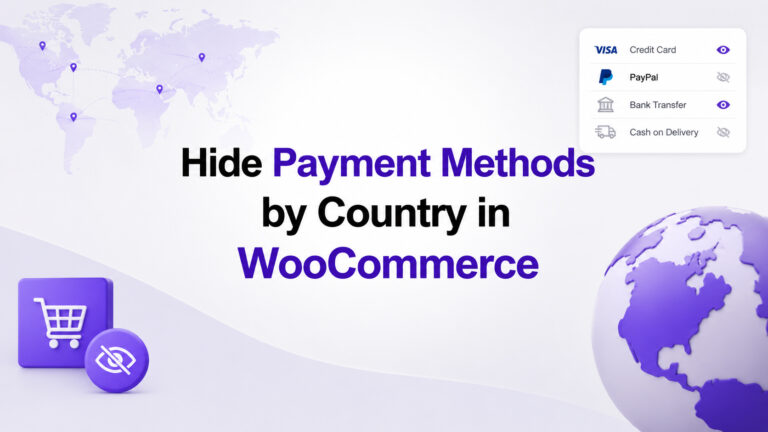
Show or hide supported WooCommerce payment methods according to country or region.
Regional Store Behavior
Use visitor location to create different WooCommerce experiences for different markets.
Trusted by
WordPress Geolocation for Developers
Shortcodes
Use visitor location and conditional content directly in WordPress without writing custom PHP code.
PHP
Access structured visitor geolocation data directly in themes, plugins and custom WordPress code.
JavaScript
Use visitor geolocation data in frontend scripts, dynamic content and custom website interfaces.
REST API
Access Geo Controller geolocation data from external applications through a structured JSON API.
WordPress Geolocation Resources
Explore practical WordPress geolocation tutorials and learn how to solve real-world location-based challenges in WordPress and WooCommerce.